

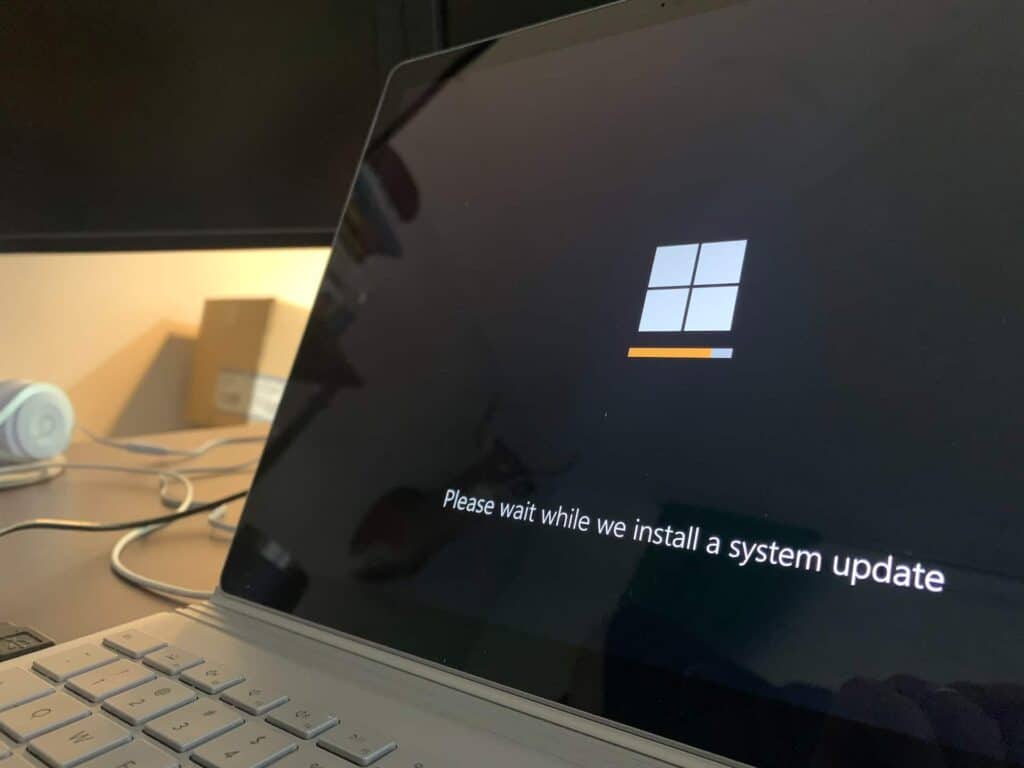
Magniber is ransomware that encrypts files on Windows computers and demands a ransom. In the campaign described here, victims download a ZIP file that claims to be antivirus software or a Windows 10 update, but it holds JavaScript that loads the ransomware into memory. Least privilege, trusted software sources and regular backups reduce the risk.
What is Magniber ransomware?
HP Wolf Security researchers have detected that the operators of Magniber Ransomware are running a new malware distribution campaign targeting Windows home users with advanced features.
How does the Magniber infection chain work?
The chain of infection begins when users download a ZIP file that allegedly contains anti-virus software or a Windows 10 update from a threat actor-controlled website. However, contrary to what was promised, the ZIP archive contains compressed Javascript files containing malware. JavaScript files use a variation of the DotNetToJScript technique to load a .NET executable into memory, so the ransomware does not need to be saved to disk. Using this technique, detection and prevention mechanisms that monitor files written to disk are bypassed, and traces left on the vulnerable system are minimized. The .NET code decodes the shell code and injects it into another process.
What does Magniber do once it runs?
On the other hand, the ransomware code disables Windows’s backup and recovery features by deleting the copy files before encrypting the user files. However, Magniber requires administrator privileges to disable its data recovery capability, so the malware bypasses User Account Control (UAC) control to execute commands without the user’s knowledge. However, the logged-in user must be part of the Administrators group for this process to work.
Magniber enumerates the files and checks the file extension against a list during the encryption process. If the file extension is in the list, the file is encrypted. In the final stage, Magniber places a ransom note in each directory and displays the message to the user by opening it in a web browser. While it was observed that the malware spread through MSI and EXE files in the past attacks using Magniber, it was observed that it started to be distributed via JavaScript files in the said attacks carried out in September 2022.
- Fake downloadA ZIP file claims to hold antivirus software or a Windows 10 update.
- JavaScript loads the malwareA .NET executable is loaded into memory, so nothing is saved to disk.
- UAC is bypassedCommands run without the user’s knowledge.Technique T1548.002 (MITRE ATT&CK, opens in a new tab)
- Recovery is disabledBackup and recovery copies are deleted before encryption.Technique T1490 (MITRE ATT&CK, opens in a new tab)
- Files encryptedA ransom note is placed in each directory and opened in a browser.
How can you protect against Magniber?
The threat actors behind the Magniber malware are known to demand a $2500 ransom payment from infected users. In this context, it is recommended to consider the following security steps in order not to be the target of this and similar ransomware campaigns.
- Administrator accounts used in line with the need should be created by considering the principle of least privilege,
- Software updates or programs should be obtained from reliable and official sources,
- The data stored in the systems should be backed up at regular intervals,
- Comprehensive Anti-Virus / Anti-Malware solutions should be used,
- IOC findings related to the campaign should be blocked from security solutions in use.